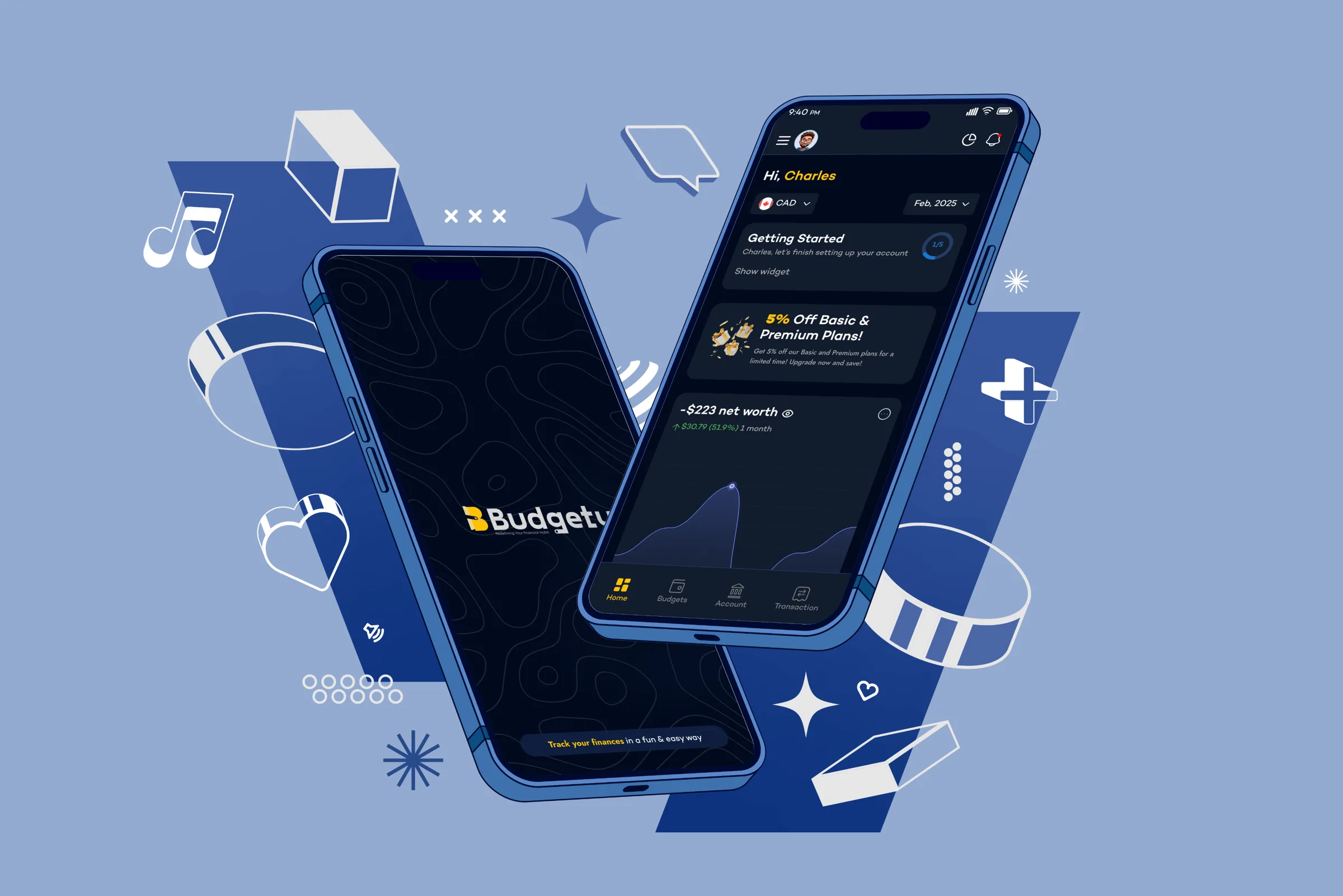
Mobile App · UI/UX Case Study
Making budgeting feel light and human
Budgety is a personal budgeting app that helps people track income, savings and spending in any currency, without the usual spreadsheet dread.
Role
Product Designer
Platform
iOS · Android
Type
Personal finance
Status
Live in both stores
01 / Overview
A budgeting app people actually keep using
The goal wasn't another finance dashboard; it was a daily habit people don't dread.
Most money apps feel clinical. Budgety leans the other way: a warm navy-and-gold system, plain-spoken copy, and a playful mascot make everyday tracking feel encouraging rather than like a chore. Income, expenses and savings each get their own clear flow, backed by multi-account support, budgets, statistics, and an in-app assistant, Buddy AI.
3
core flows: inflow, expense, savings
33
accounts supported across types
Any
currency for income and budgets
AI
in-app assistant, Buddy AI
02 / The challenge
Why most budgeting apps get abandoned
People don't quit budgeting because they can't do the math.
They quit because the tools feel like admin. Cluttered dashboards, judgmental red numbers, and rigid categories turn a healthy habit into a chore you avoid, and an app you only open when you already feel guilty.
The real design problem wasn't features; it was friction and tone. If opening the app felt heavy, no amount of charts would keep anyone coming back.
03 / Goals
What success needed to look like
Lower the daily barrier
Make opening the app and logging a transaction effortless: a few taps, no forms to dread.
Make money legible at a glance
One screen that answers: what came in, what went out, what's saved, and where I stand.
Encourage, never judge
Tone, colour and copy that reward the habit instead of scolding overspending.
Fit real lives
Multi-currency and multi-account from day one, for freelancers, travellers and dual-income homes.
04 / Approach
Three principles that shaped every screen
Personality over sterility
A warm palette, rounded display face and a friendly mascot make finance feel human, not corporate.
Three moves, not ten menus
Collapse everything into money in, money out, money saved, so the mental model is instant.
Preview before you commit
Every transaction gets a confirm step, turning fast logging into confident logging.
05 / The core model
Three money moves, three clear flows
Every transaction in Budgety is one of three things, and each gets its own colour, flow and preview-before-save step, so logging money feels deliberate, never confusing.
Inflow
Salary, gifts, side income, logged in any currency and reflected instantly in your net worth.
Expense
Spending grouped by category with budgets, so you always know what's left before you tap save.
Savings
Set money aside toward goals across multiple accounts, and watch the progress build over time.
06 / Features
What makes it work
Friendly onboarding
A swipeable, illustrated intro that sets an encouraging tone from the first tap.
Three clear money flows
Inflow, expense and savings are visually distinct, each with a preview-before-save step.
Multi-account & multi-currency
Checking, savings, credit and cash accounts, income in any currency.
Budgets & statistics
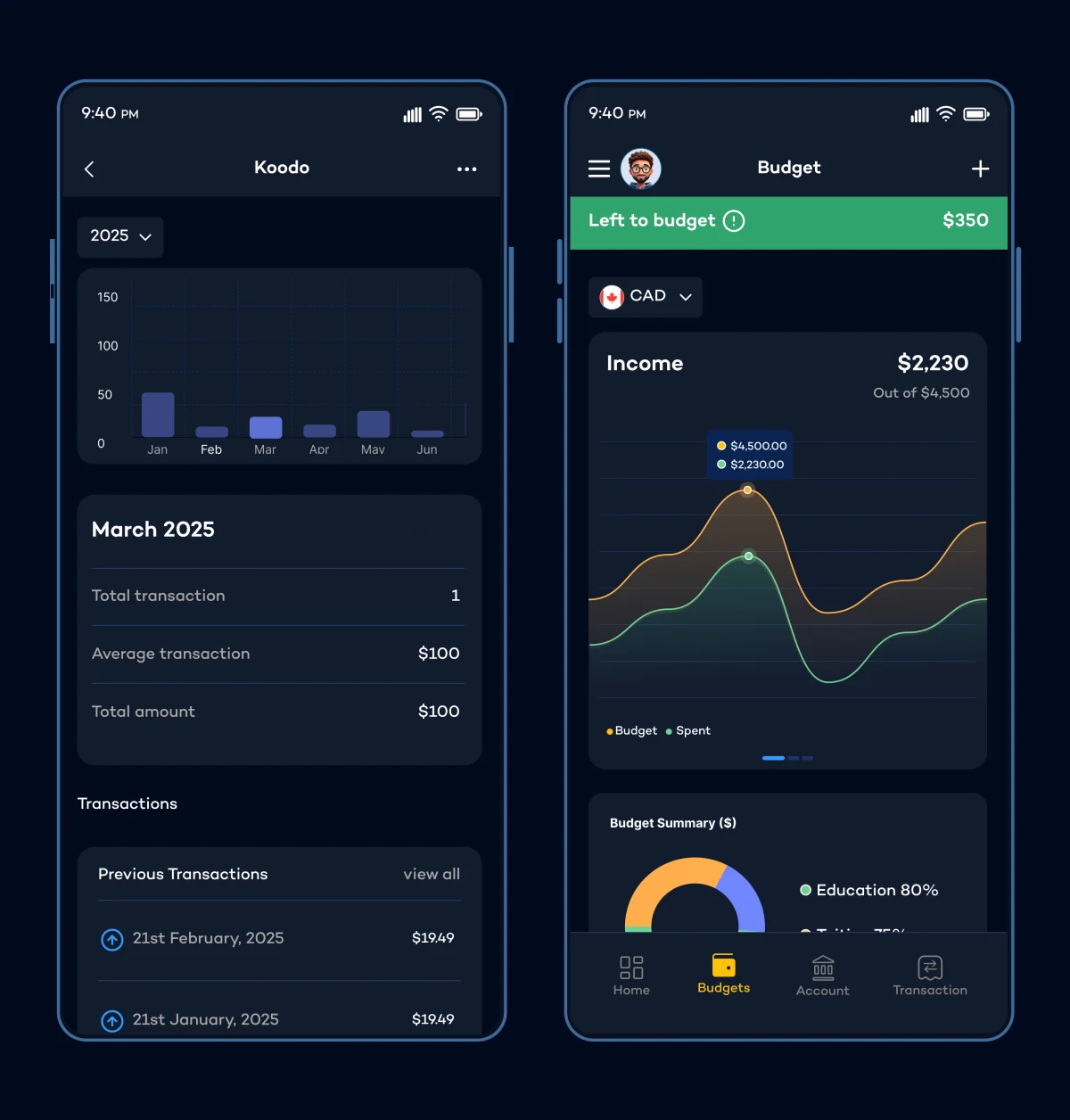
Category budgets with progress, plus donut and breakdown views of net worth.
Buddy AI
An in-app assistant that answers money questions and helps log transactions.
Warm visual system
Deep navy, gold accents and a rounded display face make finance feel approachable.
07 / In action
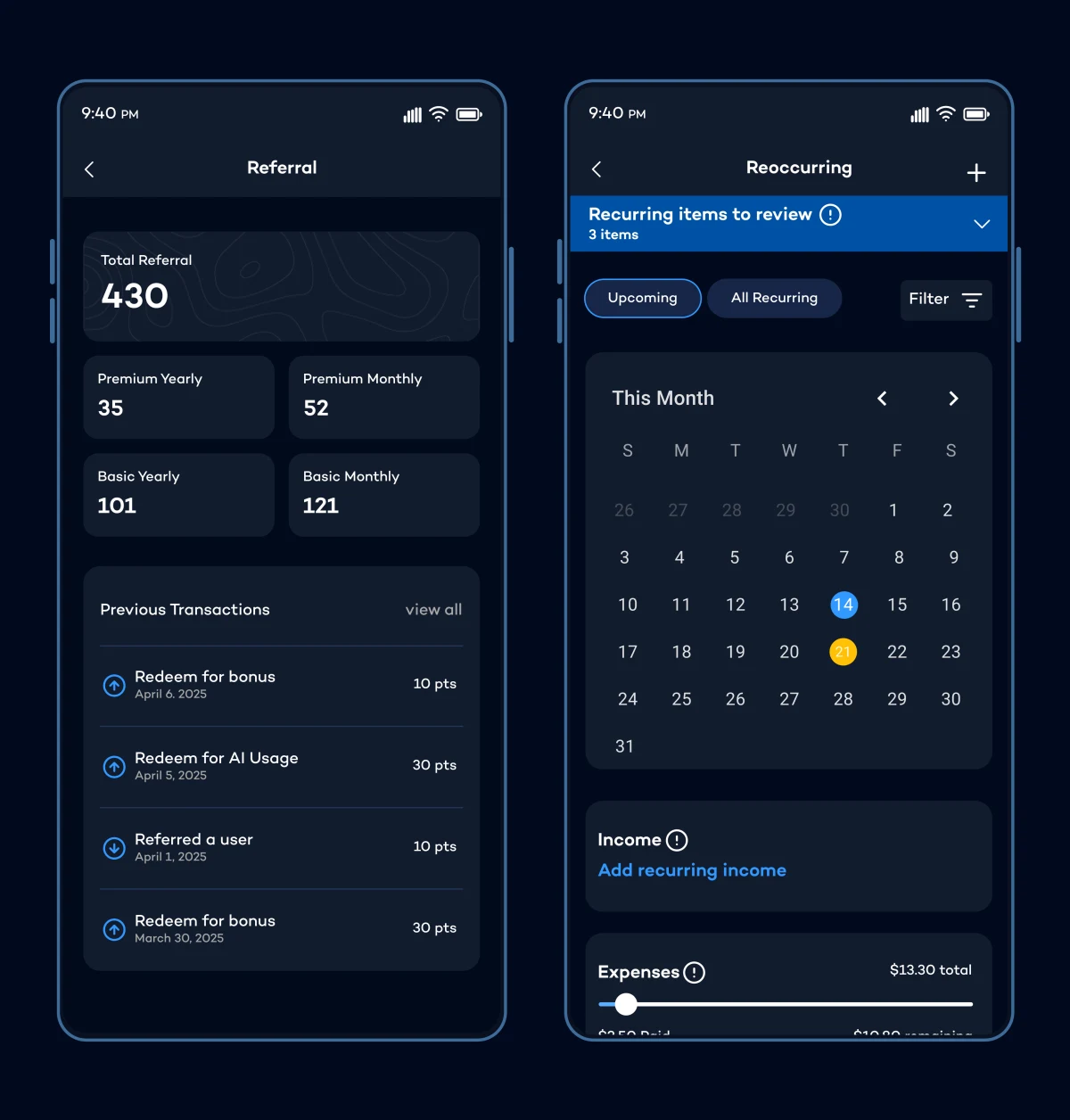
Budgety on the move


Outcome
Shipped, and built to be reopened
Budgety launched on both the App Store and Google Play. The design bet was simple: personality drives consistency: if the app feels friendly, people open it more, and budgeting only works if you actually keep at it.
Get Budgety on your phone
Track your finances in a fun & easy way. Download it free.